MFA Face Recognition⚓︎
Note: Face recognition is a flagship edition feature.
- Version: v4.6.0 and above
- Flagship edition license with 5000+ assets
- HTTPS access enabled
1 Configure Face Recognition⚓︎
Add new parameters
vim /opt/jumpserver/config/config.txt
#config.txt
USE_XPACK=1
FACE_RECOGNITION_ENABLED=true
FACELIVE_ENABLED=1
jmsctl restart
2 Configure MFA Face Recognition⚓︎
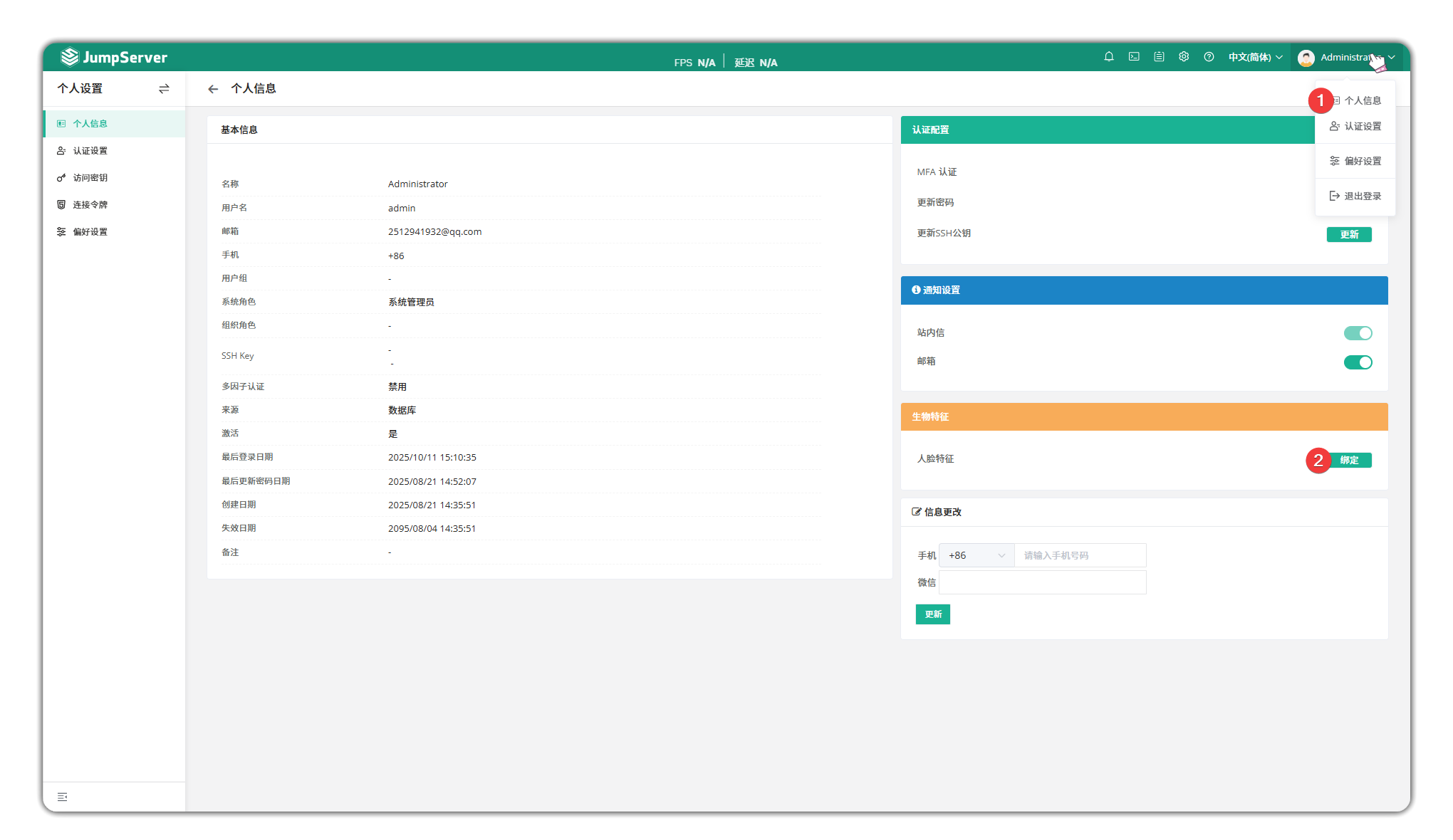
- Record facial information on the user detail page and enable MFA.
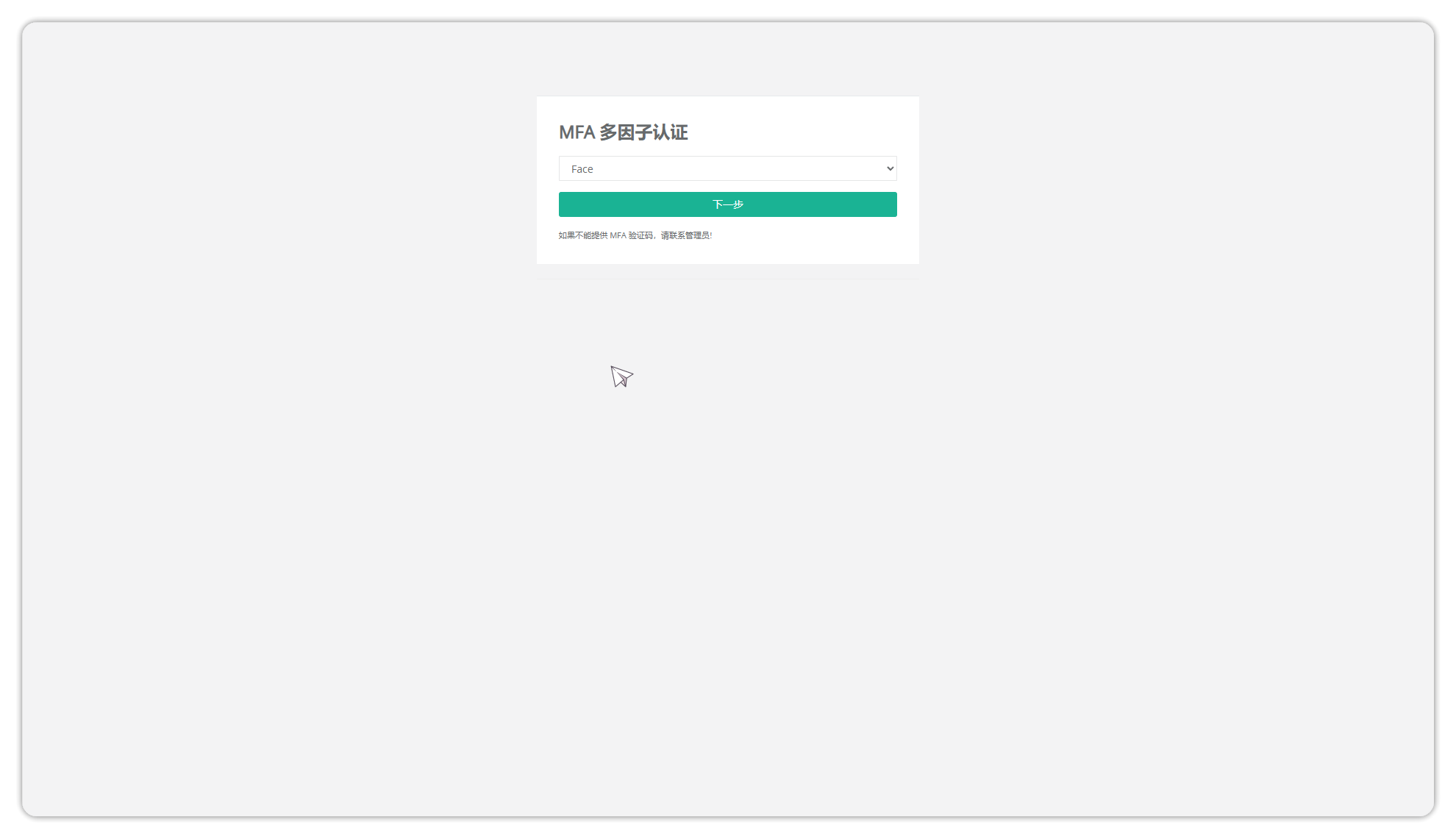
- Log out and try logging in again, select face verification.
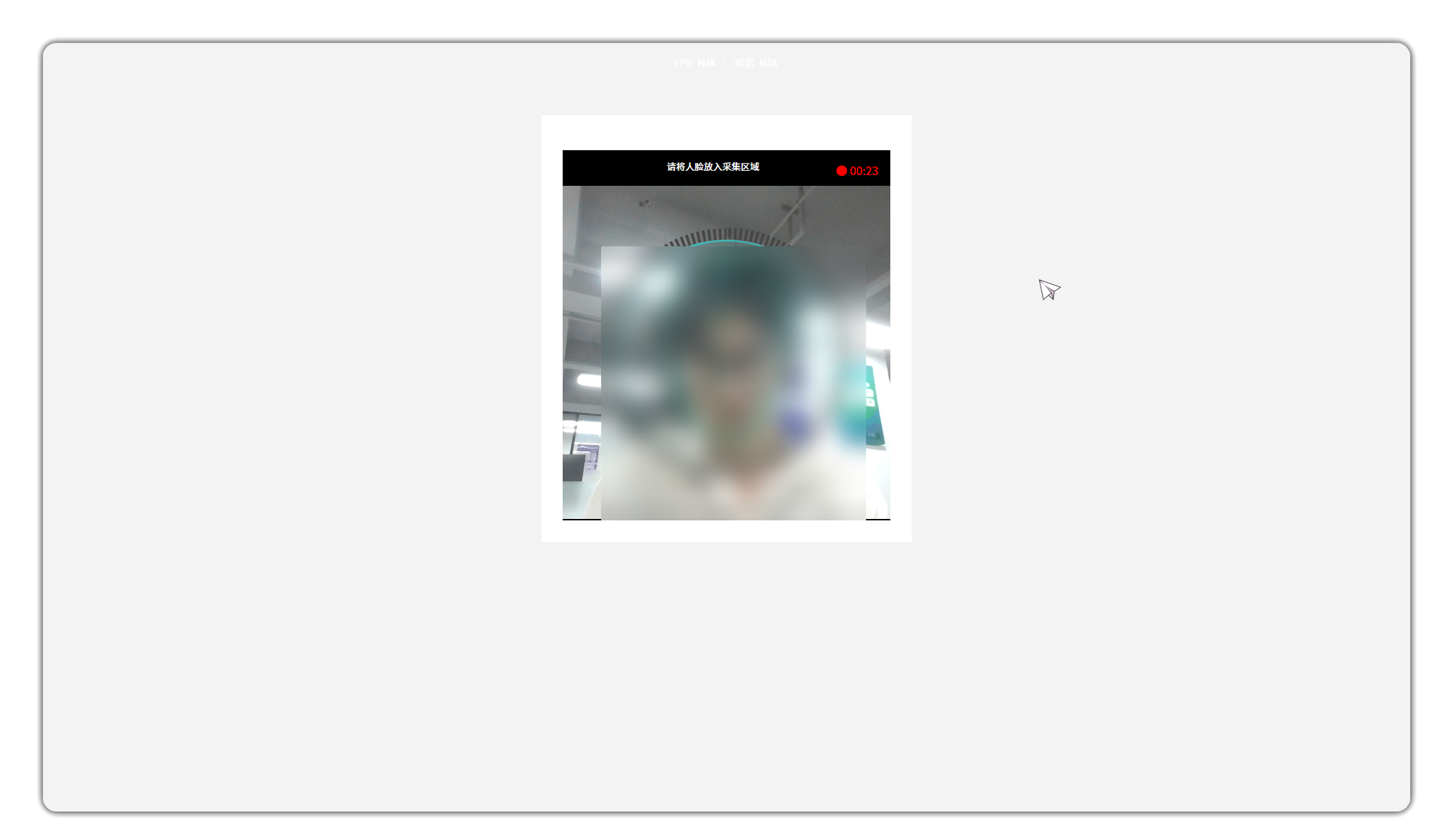
- Complete facial verification within 30 seconds.
3 Asset connection face recognition and monitoring⚓︎
- Enable Face Verification in Console > Access Control > Asset Connection. The operation can be Face Verification or Face Online.
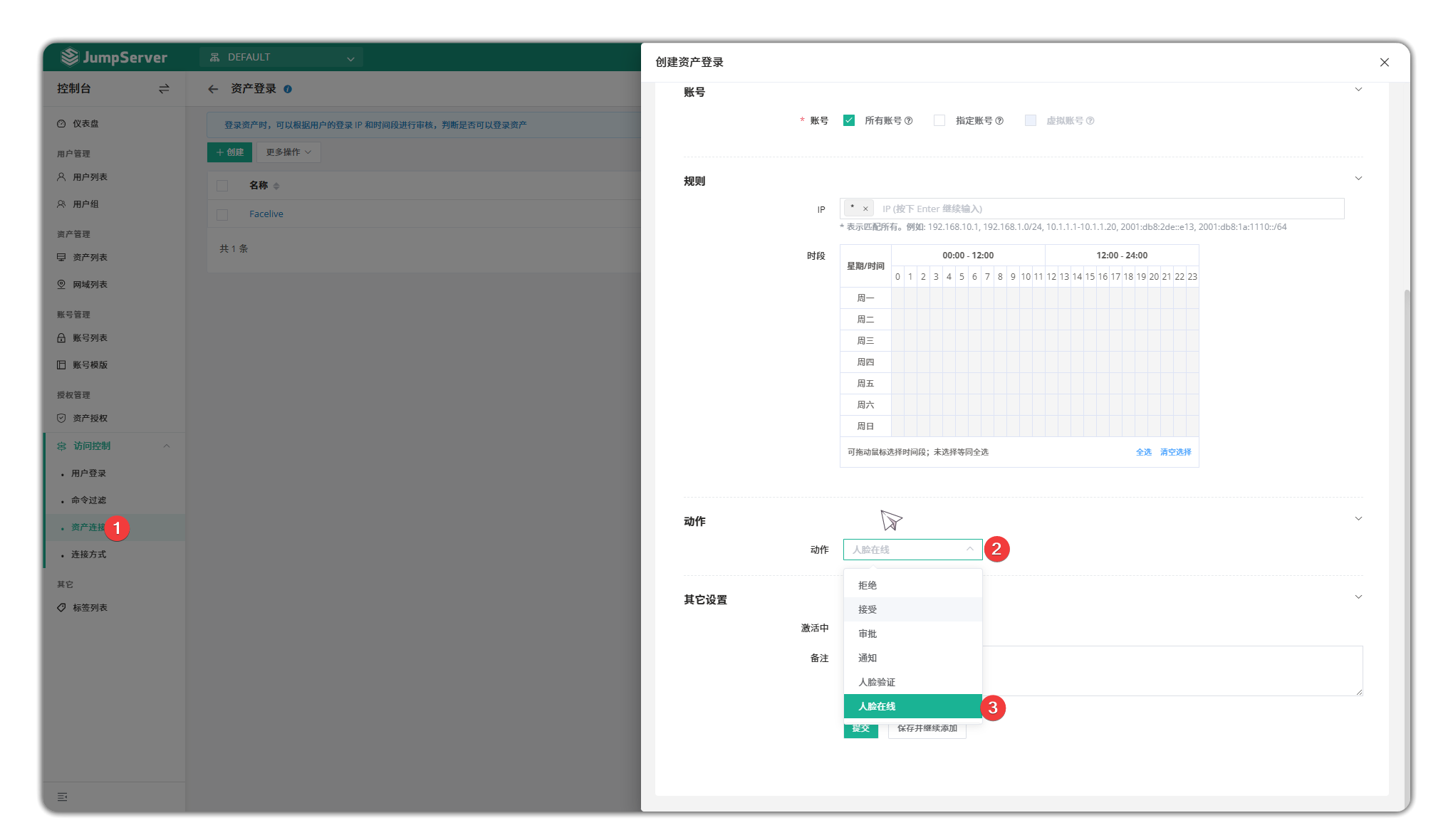
- Face verification is required before connecting to an asset.

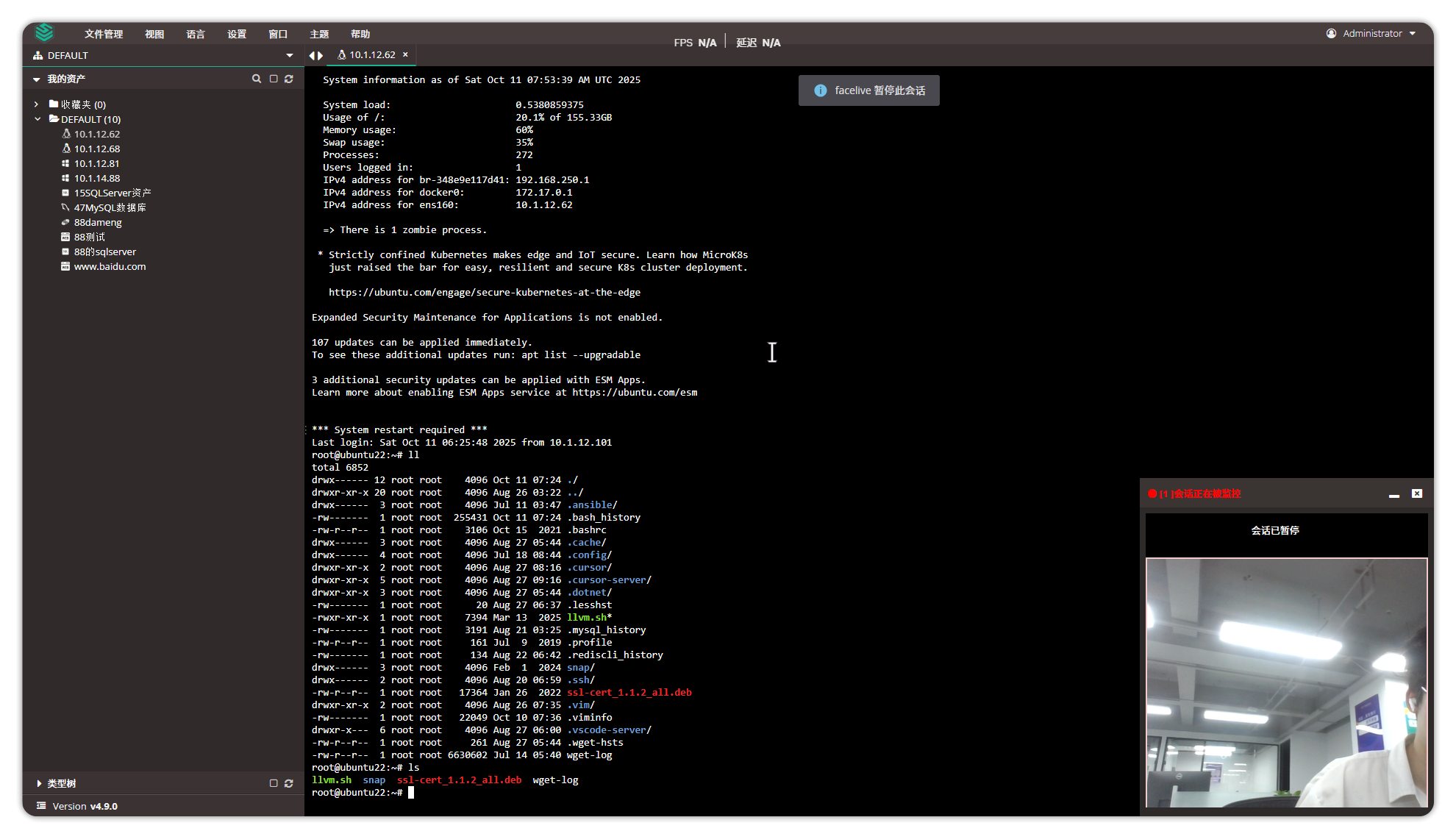
- If facial recognition does not detect the user, the session will be paused.
- During the paused session, no operations on the asset can be performed.